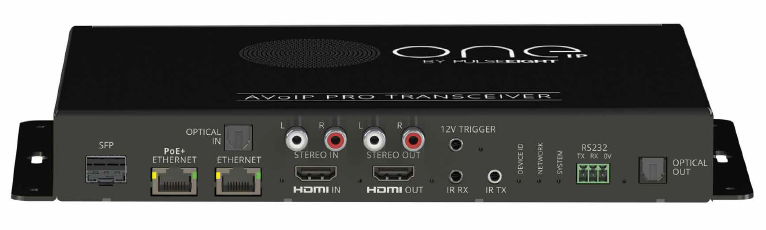
The OneIP Pro Transceiver is capable of routing audio between various audio inputs and outputs on the device itself.
In order to set an audio route without using a control system load the WebUI and go to the Admin Area (Where is the Admin mode?)
From here open the "Device Settings" tab on the left hand side and scroll down to "Audio"
Audio Routing
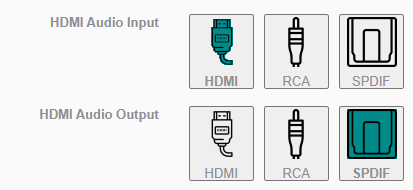
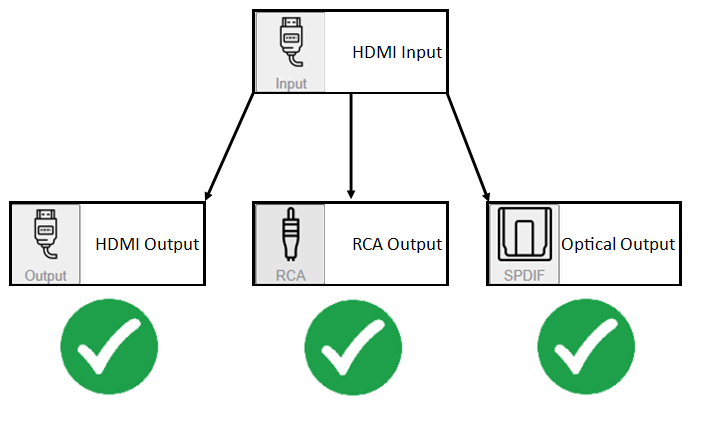
HDMI Input
HDMI In> HDMI Out
HDMI In> RCA Out
HDMI In> SPDIF Out
RCA Input
RCA In> HDMI Out
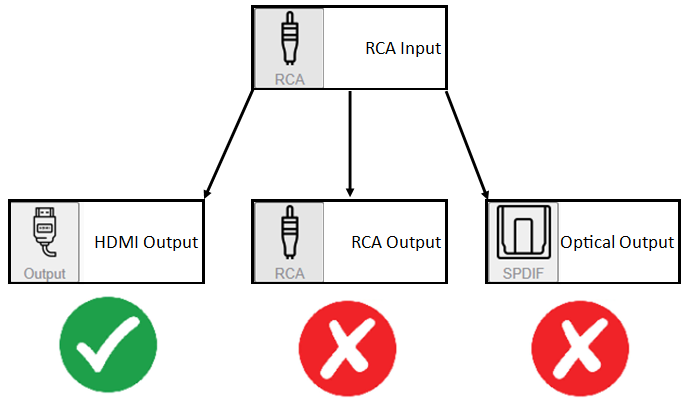
If you attempt to route the RCA Input to the RCA Output or SPDIF Output this will switch the input or output to HDMI automatically (If changing Input the Output will be selected automatically and vice versa).
These audio routes are not possible with the OneIP Pro Transceiver Hardware.
Optical/SPDIF
SPDIF In> HDMI Out
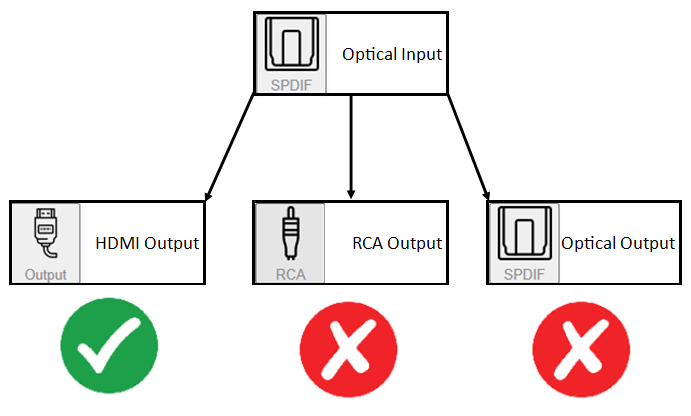
If you attempt to route the SPDIF Input to the RCA Output or SPDIF Output this will switch the input or output to HDMI automatically (If changing Input the Output will be selected automatically and vice versa).
These audio routes are not possible with the OneIP Pro Transceiver Hardware.
RCA Audio Source
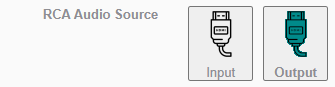
Additionally the RCA output can be set to take the audio from the Input HDMI or from the Output HDMI.
This allows you to extract audio from the device that the OneIP Pro Transceiver is transmitting or from the signal it is receiving.
This allows the OneIP Pro Transceiver to be integrated into systems that already have audio matrixing equipment as well as standing alone in properties where there may be amps in the same rooms as the distribution equipment.