The HDBaseT Link Quality test lets you check the health of a Cat cable run while on site, either through the matrix's local web interface or remotely. This article covers how to start the test and how to read the two result types.
Starting the Test
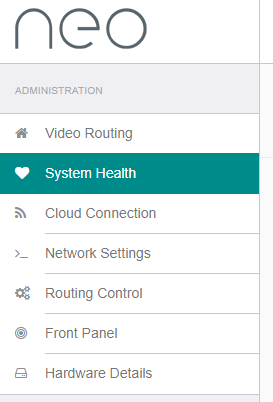
and find the Advanced Diagnostics section. 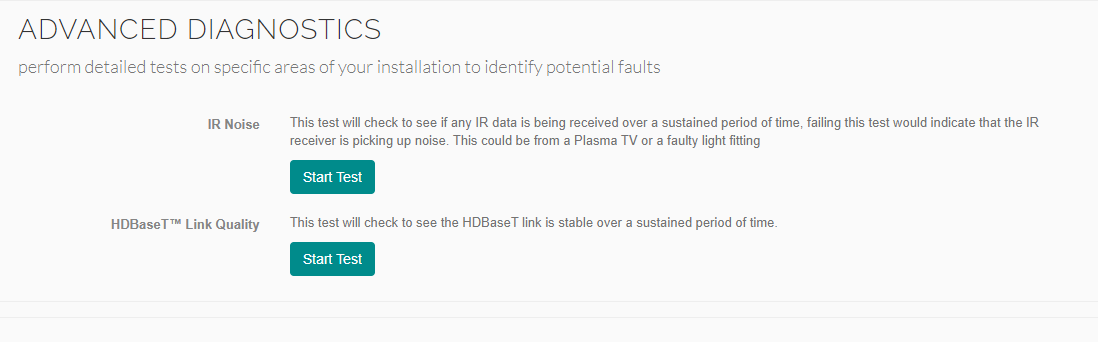
Mean Square Error Test
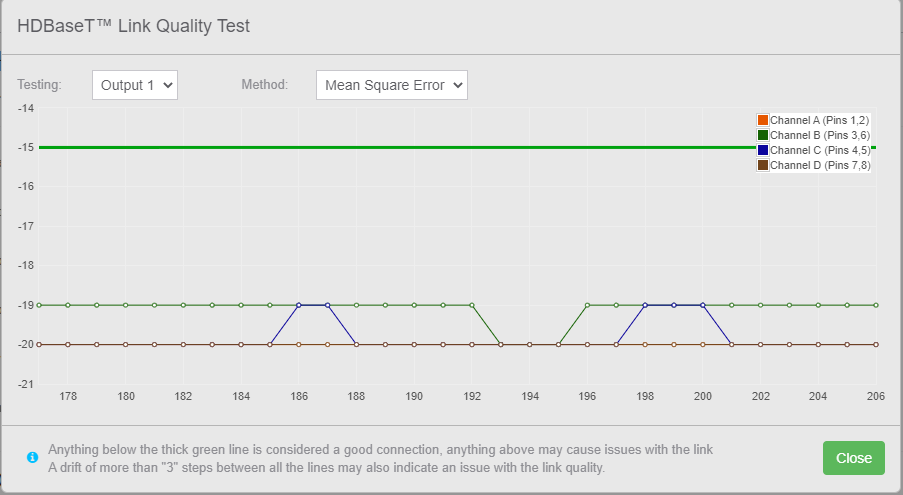
This is the ratio (in dB) of the signal power of a 'good' signal to a 'bad' one. It's analogue in nature, and directly affected by kinks, termination issues, and other physical cable problems.
Each channel colour on the graph represents one twisted pair in the Cat cable.
| Check | Pass Criteria |
|---|---|
| Channel spread | All four channels within 3dB of each other, e.g. -21dB, -20dB, -21dB, -19dB |
| Absolute level | All four channels below the -15dB line |
Channel Errors Test
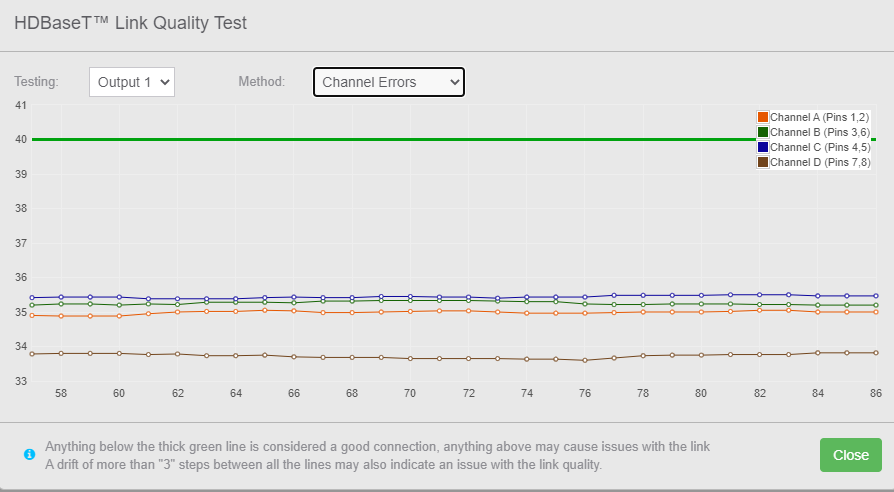
This measures the number of errors on the channel — packet loss and bit errors. It's digital in nature, but is affected by the same underlying cable issues as the Mean Square Error test.
As with Mean Square Error, each channel colour represents one twisted pair in the Cat cable.
| Check | Pass Criteria |
|---|---|
| Channel spread | All four channels within 3 of each other, e.g. 35, 36, 35, 34 |
| Absolute level | All four channels below the 40 line |
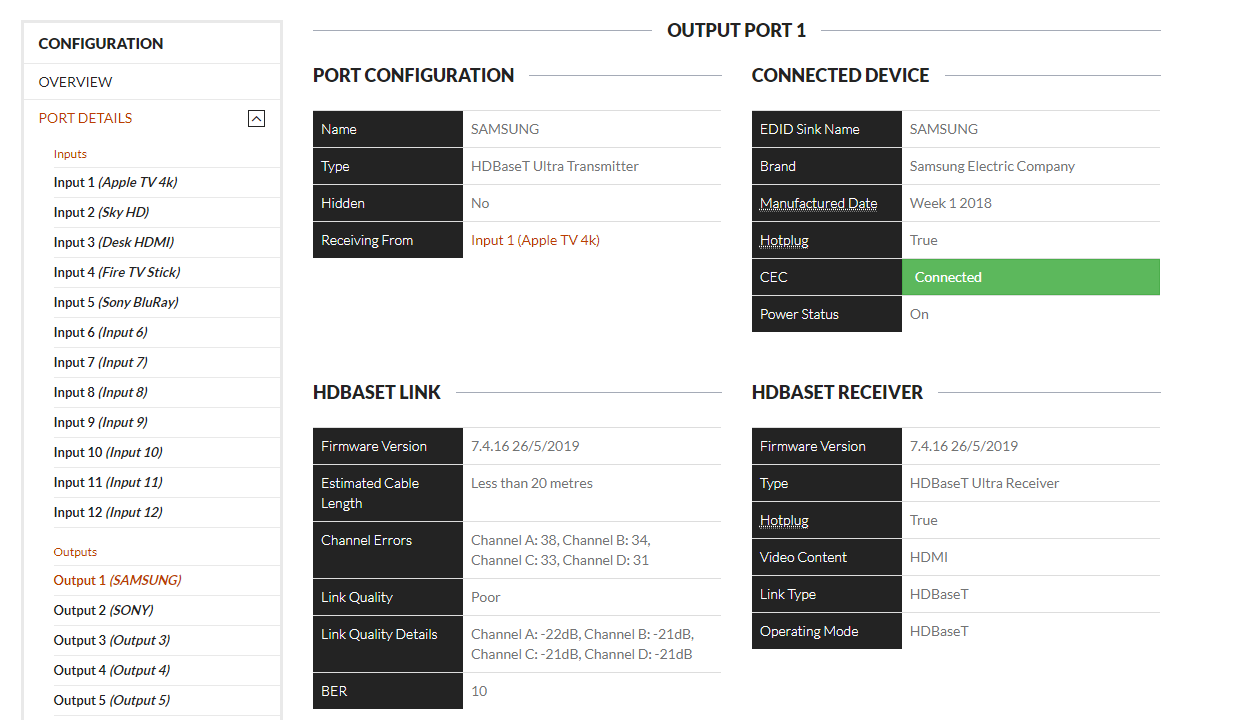
Checking Remotely

Related Articles
Get in touch and we'll help you get it sorted.
UK: 01202 413 610 | US: (858) 748-8250 | support@pulse-eight.com